Turn one long post into a carousel you can publish
Paste a link or your text and get a 3-18 slide deck. Edit it right away, then download PNG or ZIP and post it anywhere.
Try it for 7 days with no credit card. You get 150 credits during the trial.



Put text in, get a deck like this
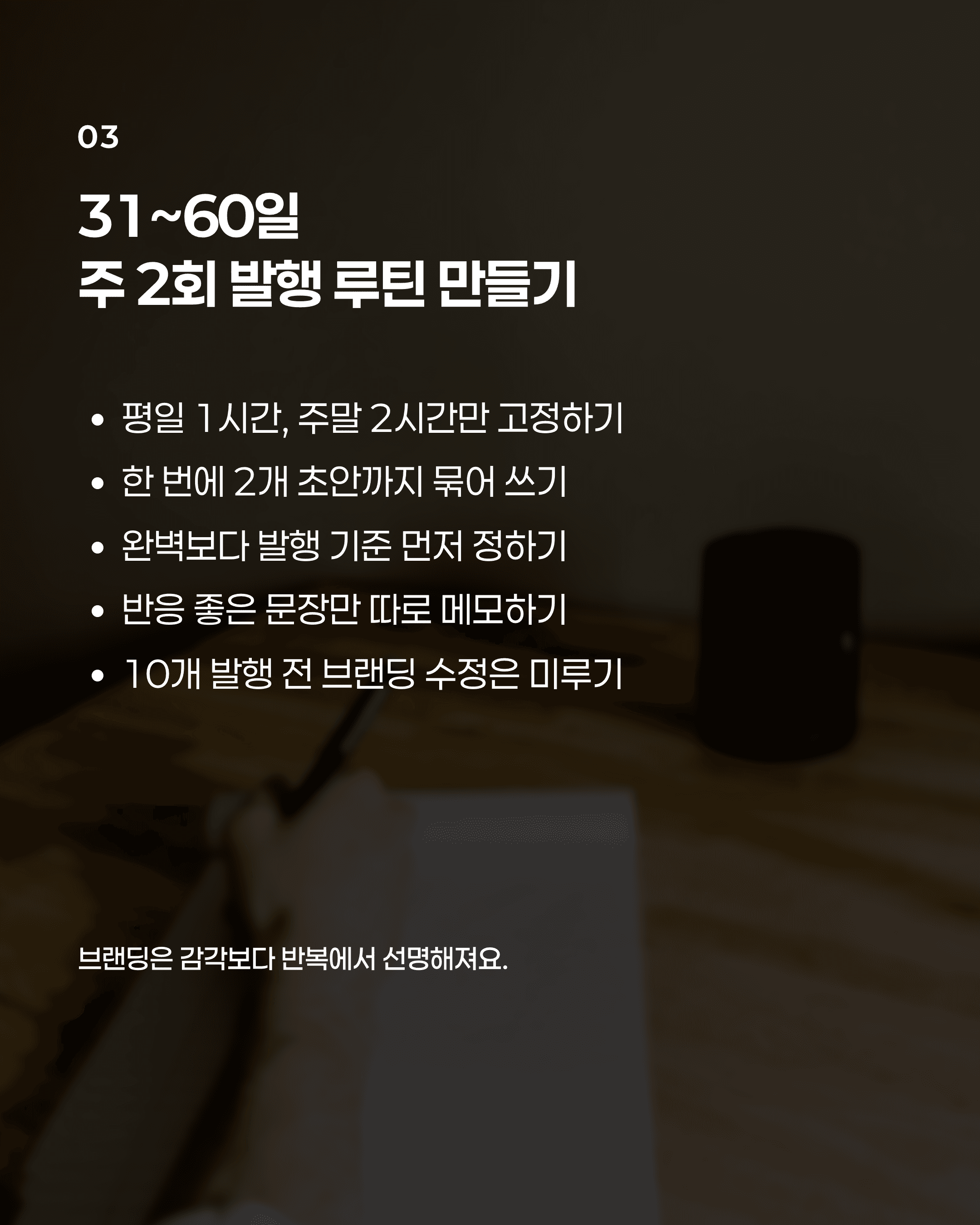
Three decks made with Contentlog. You can change the text, photos, and layout on every slide.





What you use to make a deck
- Deck generation
Paste a link or your text, pick a length (3-18 slides), and get everything from the cover to the last slide. Edit it in the editor and download PNG or ZIP.
Learn more - Deck generation - Templates
Pick one of 9 built-in templates, or upload 2-10 images of cards you made and extract their colors, fonts, and layout as your own template. 14 palettes and 58 fonts.
Learn more - Templates - Brand voice
Contentlog reads 3 or more pieces you made, saves your tone, and applies it to every new deck. Available on paid plans and during the trial.
Learn more - Brand voice
Free tools, no sign-up
Pricing
Sign up and use Pro for 7 days. Credits are spent only when AI makes something. Editing and exporting are free.
- basicFor posting now and then$9/mo$90 billed yearly50 credits a month
- proFor posting every week$19/mo$190 billed yearly150 credits a month
- maxFor posting daily or running several accounts$39/mo$390 billed yearly400 credits a month
Every plan includes
- Card news editor with PNG and ZIP export
- 9 built-in templates and your own templates
- 14 palettes and 58 fonts
- Idea inbox
- Brand voice
One deck costs 5-10 credits (5 for fast, 10 for advanced). Unused credits do not roll over.
Frequently asked questions
How much can I try for free?
Sign up with no credit card and get 150 credits for 7 days to try generating, editing, and exporting decks. Credits are used only by AI features; editing and PNG or ZIP export never use them. When the trial ends, pick a plan to keep going.
Where can I post the decks I make?
Download the finished deck as PNG or ZIP and post it yourself to Instagram, Threads, X, LinkedIn, a blog, or anywhere else. The export also includes alt text for each slide.
Does it work in Korean too?
Yes. The interface is in English and Korean, and decks can be generated from and into Korean. Set the tone and the reader, and the result follows them.
Who owns the images in my decks?
Search Unsplash or Pexels for background photos, or upload your own. Unsplash and Pexels photos are free to use, including commercially, under their licenses (Unsplash License and Pexels License), and you keep the rights to images you upload. We add no watermark.
Do you use my content to train AI?
No. Your decks are stored in your account and never used to train models. Brand voice analyzes only your own recent content, and the result is used only for your generations. If your subscription ends, your data stays; only AI generation and saving new edits are locked.
Can I download my data?
Yes. In Settings > Data you can download your account data, including ideas and decks, as one JSON file. Images and attachments are not included.